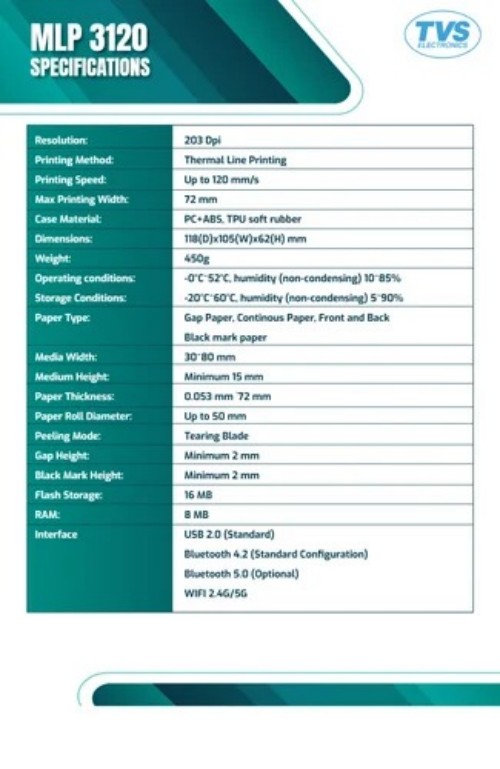
About TVS MLP 3120
| Usage Type |
Desktop |
| Print Technology |
Thermal Line Printing |
| Print Width |
3 inch |
| Print Resolution |
203 dpi |
| Print Series |
MLP 3120 |
| Connectivity |
USB 2.0, Bluetooth 4.2/5.0, WiFi (2.4G/5G), NFC |
| Print Speed |
6 ips |
| Ribbon Length |
74 m |
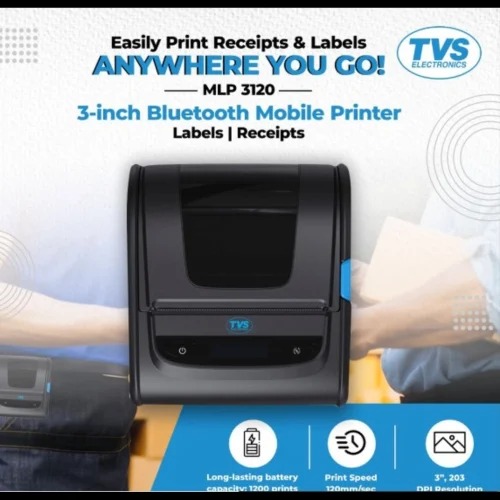
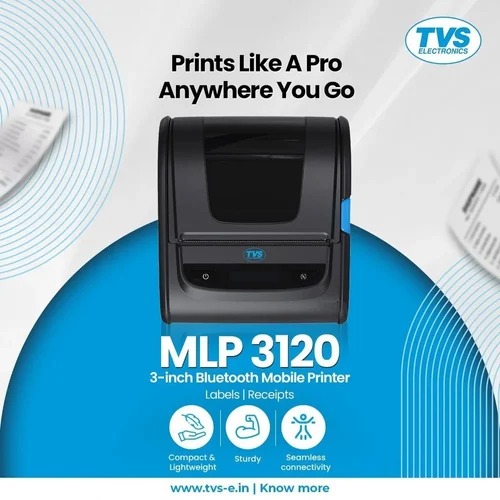
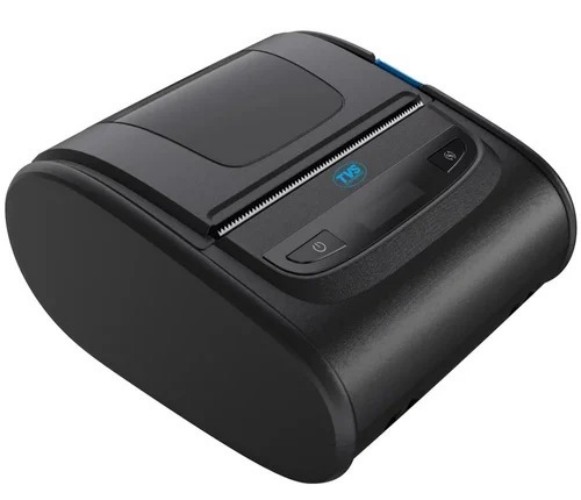
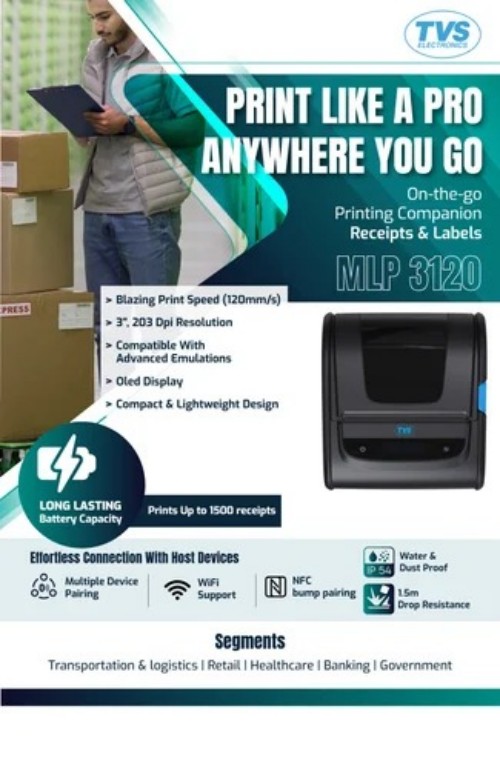
Print like a pro, wherever you go with the TVS MLP 3120, a next-gen 3-inch mobile label and receipt printer built for high-volume, on-the-move printing applications. Whether you're working in transportation, logistics, retail, healthcare, banking, or government, this compact powerhouse delivers exceptional print speeds up to 120 mm/s with precision and ease.
Exceptional Printing PerformanceThe TVS MLP 3120 is engineered with speed, precision, and durability in mind, meeting the demands of busy retail and POS environments. Its direct thermal technology ensures crisp, monochrome prints at up to 200 mm/sec. The robust auto cutter assures uninterrupted operation, while the high MCBF rating of 60 million lines underlines its longevity.
Versatile Connectivity and CompatibilityWith USB, Serial, and Ethernet interfaces, the TVS MLP 3120 integrates effortlessly with various systems. It supports multiple operating systems, including Windows and Linux, and can easily slot into existing ESC/POS environments. This flexibility ensures seamless adoption across different business setups.
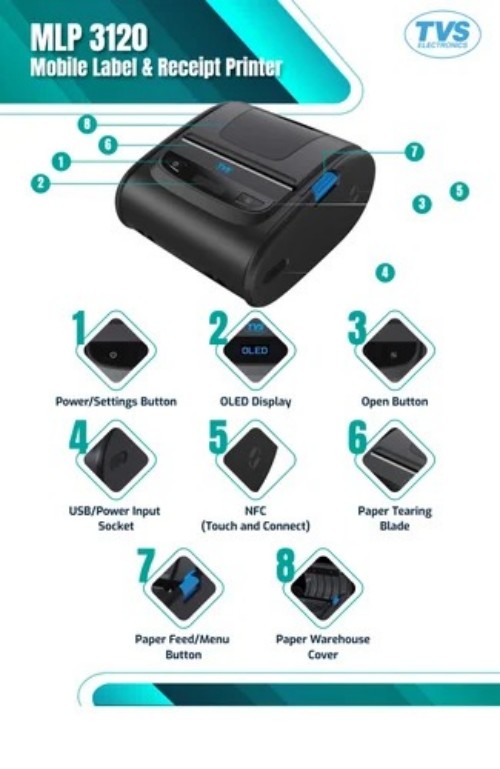
Easy Handling and MaintenanceFeaturing easy paper loading and auto-cutter support, the TVS MLP 3120 minimizes downtime and setup hassle. Its compact design allows flexible installation on any desktop, and its accessible user manual, adapter, and driver CD simplify setup and operation for both new and experienced users.
FAQ's of TVS MLP 3120:
Q: How do I install the TVS MLP 3120 thermal printer on my system?
A: To install the TVS MLP 3120, connect the printer to your computer using USB, Serial, or Ethernet cables provided. Install the required drivers from the included Driver CD or download them from the manufacturer's website. Follow the user manual's step-by-step instructions for setup on Windows or Linux systems.
Q: What is the recommended usage environment for the TVS MLP 3120?
A: The printer is designed for use in operating temperatures between 0C and 45C. For storage, temperatures between -20C and 60C are suitable. This makes it appropriate for a variety of retail, POS, and ticketing applications, ensuring stable performance in standard commercial environments.
Q: What are the benefits of using the TVS MLP 3120 for retail and POS applications?
A: The TVS MLP 3120 offers fast print speeds, high reliability, and easy integration with various systems. Its robust auto cutter and high MCBF rating mean fewer interruptions and longer service life, making it ideal for busy environments like retail stores, billing counters, and ticketing booths.
Q: What types of paper can the TVS MLP 3120 handle?
A: This printer supports thermal paper rolls up to 80 mm in width and 80 mm in diameter, with a thickness ranging from 0.06 mm to 0.08 mm. The easy loading mechanism allows for quick paper replacement, reducing downtime during operation.
Q: How does the auto cutter function and what is its expected lifespan?
A: The auto cutter feature automatically separates each printed receipt or ticket, enhancing workflow efficiency. The cutter is designed for durability, offering a lifespan of up to 1 million cuts, providing consistent performance in high-volume operations.
Q: What interfaces and operating systems are compatible with the TVS MLP 3120?
A: The printer can connect via USB, Serial, or Ethernet interfaces and supports both Windows and Linux operating systems. It also emulates ESC/POS commands, ensuring compatibility with a wide range of POS and billing software.




 Send Inquiry


 Send Inquiry